How to use:
The FILTER Button
The BLANCO Button
The UPLOAD Button
General Site Info
Weaselware:
Instructions
Advanced
Life advice:
Passwords
How to do:
The Platner Edge
A Drainboard
coming soon:
One weird trick to keep pieces from moving while milling sinks.
Suction cup companies hate it!
Also, TOP 10 ways to make banana bread from dried up old banana peels.
#8 will BLOW YOUR MIND
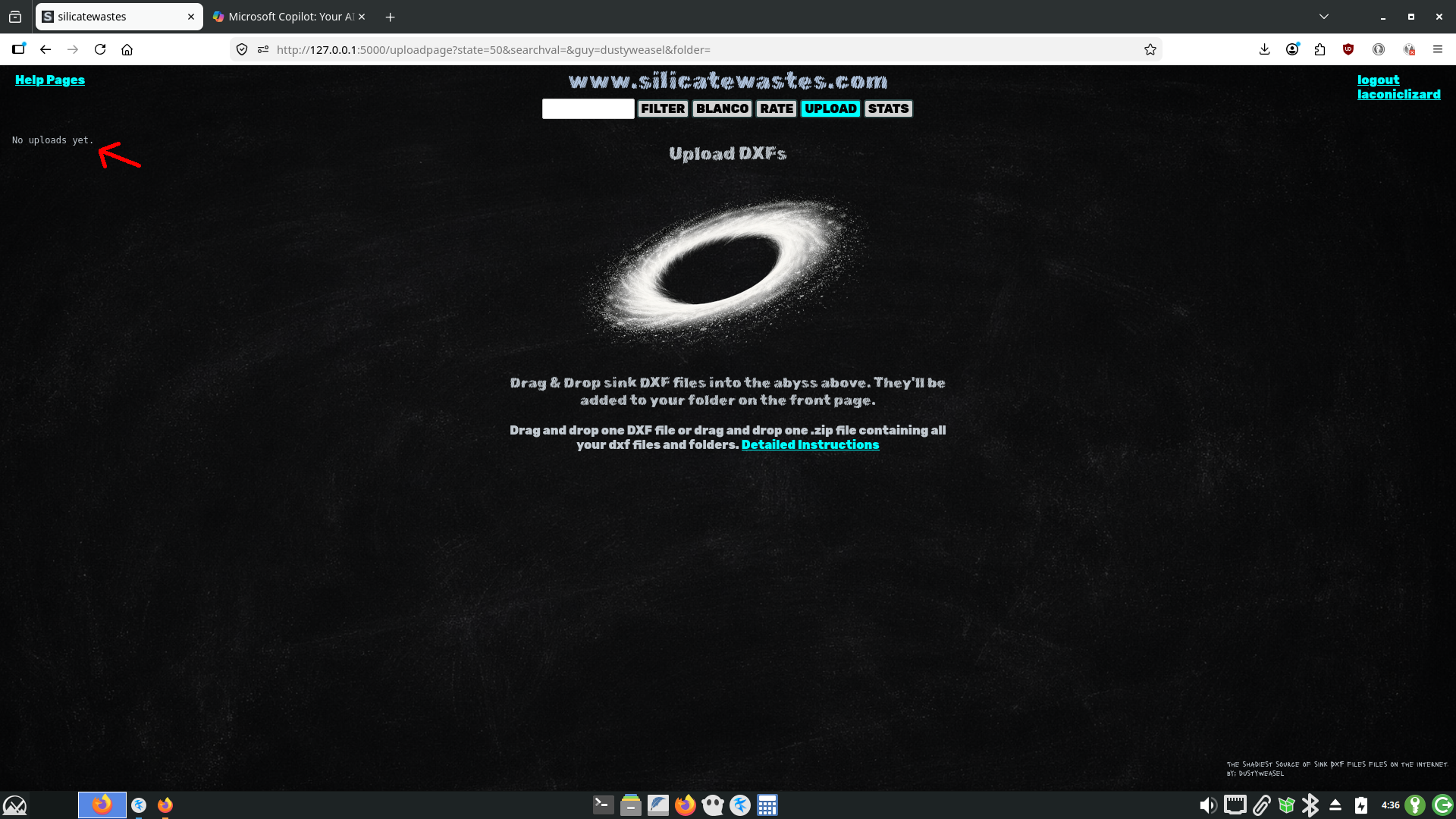
Click the UPLOAD button to upload DXFs to www.silicatwastes.com. If you haven't uploaded anything yet it will say so in the left column.
www.silicatewastes.com has no admins. Your dxfs don't go to a que and wait for anyone's approval. The moment you upload one or more DXFs you get a folder in the dropdown menu on the front page and your DXFs are processed and uploaded.
Your options for uploading are one DXF file or one .zip file. You cannot upload a folder, multiple folders, or multiple files. To upload multiple files and folders you have to create a .zip file.
Let's just upload one DXF file. You can see below laconiclizard has no folders on the front page.
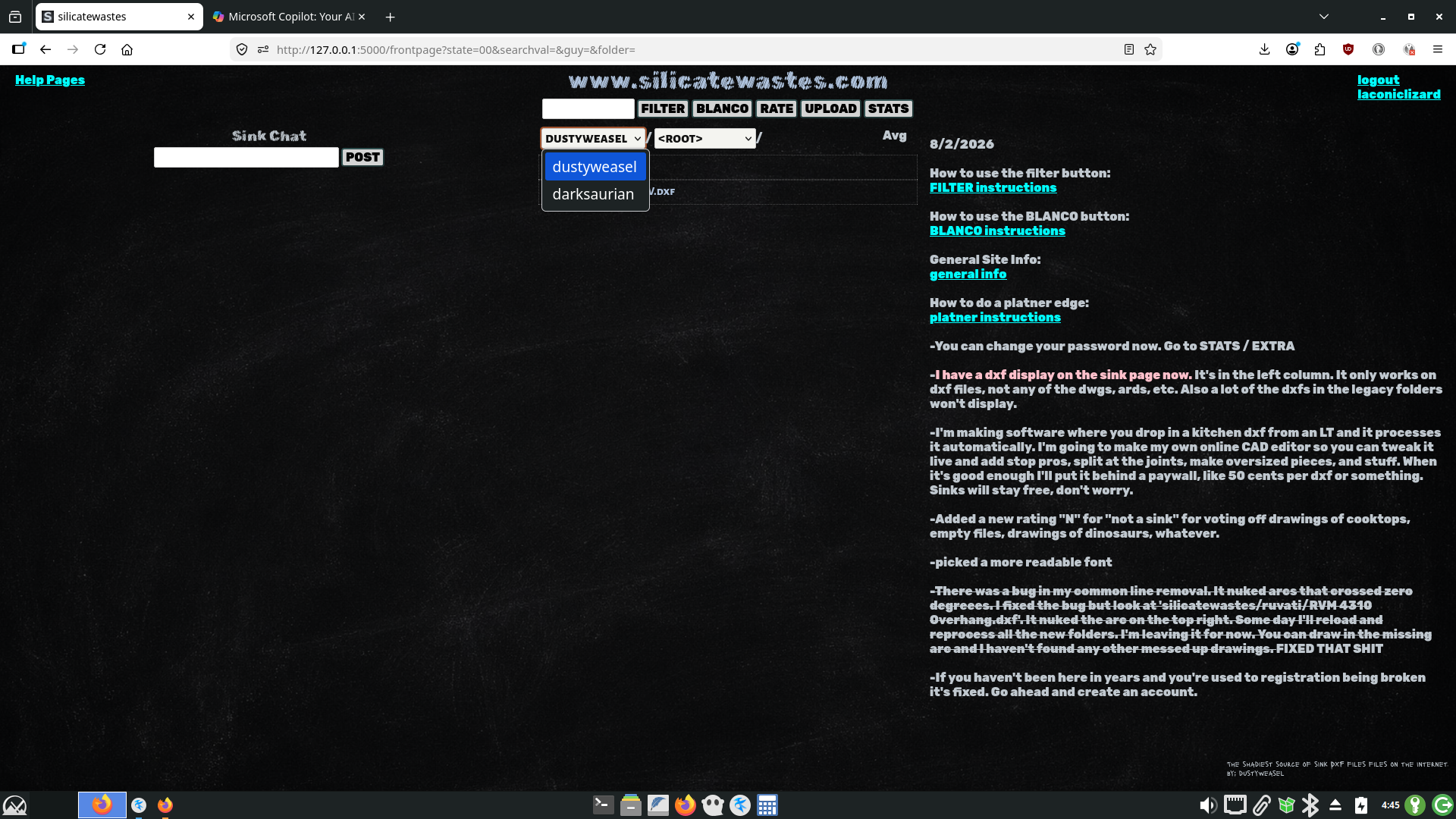
You can drag a DXF file from your file explorer and drop it onto the abyss. Or you can click the abyss and use the file picker that pops up. It will look different on Windows but it's the same thing.
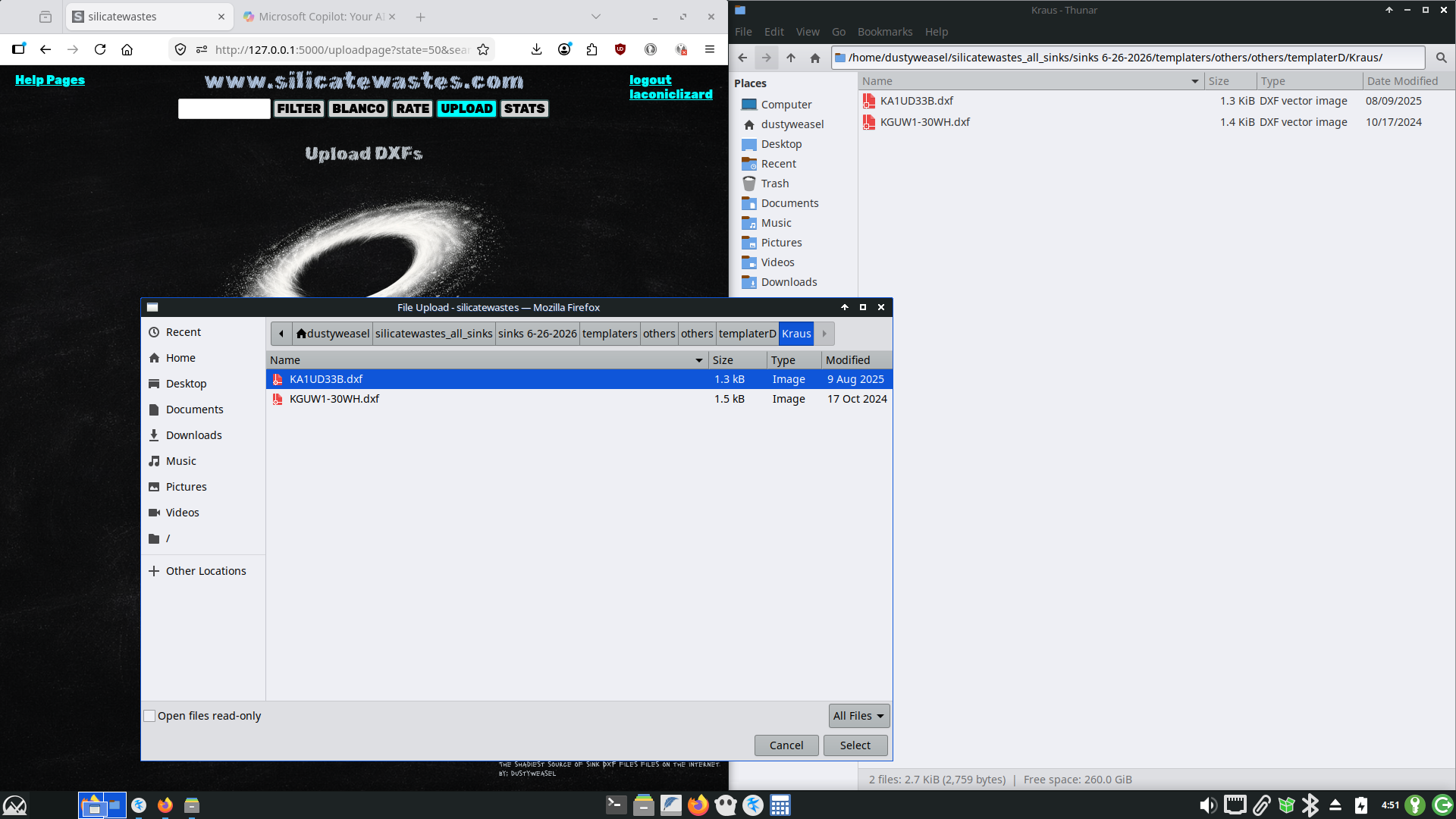
One DXF won't take long to process. Hit refesh to see if it's done. Now it says KA1UD33B.dxf was uploaded.
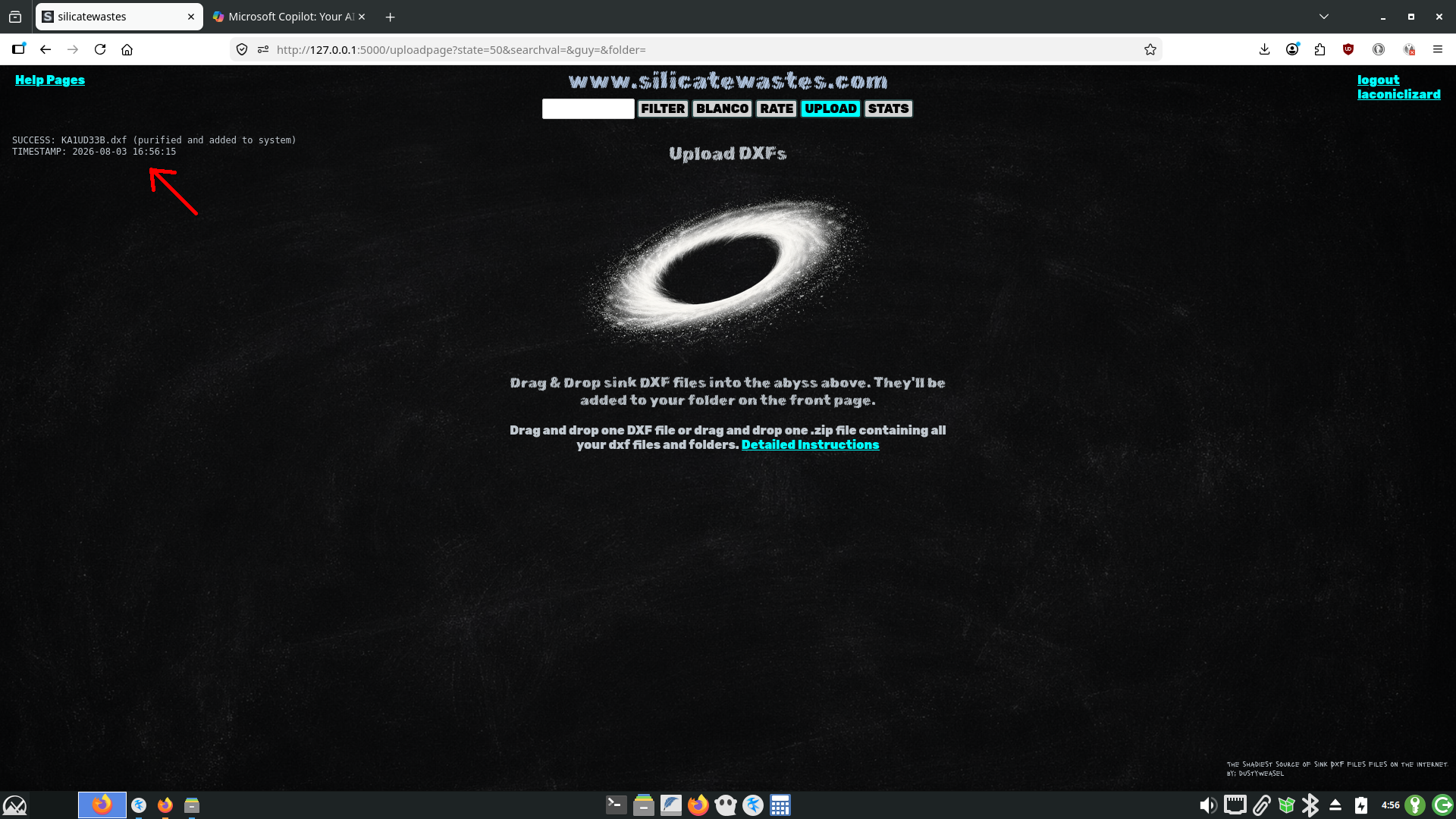
If you upload just one DXF it ends up in your ROOT folder
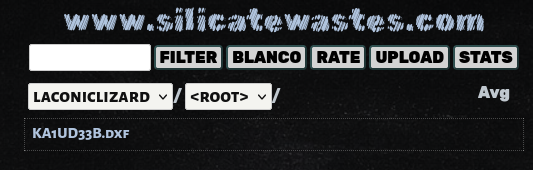
It's immediately available for anyone to download. You can see it displayed in the left column of the sink page.
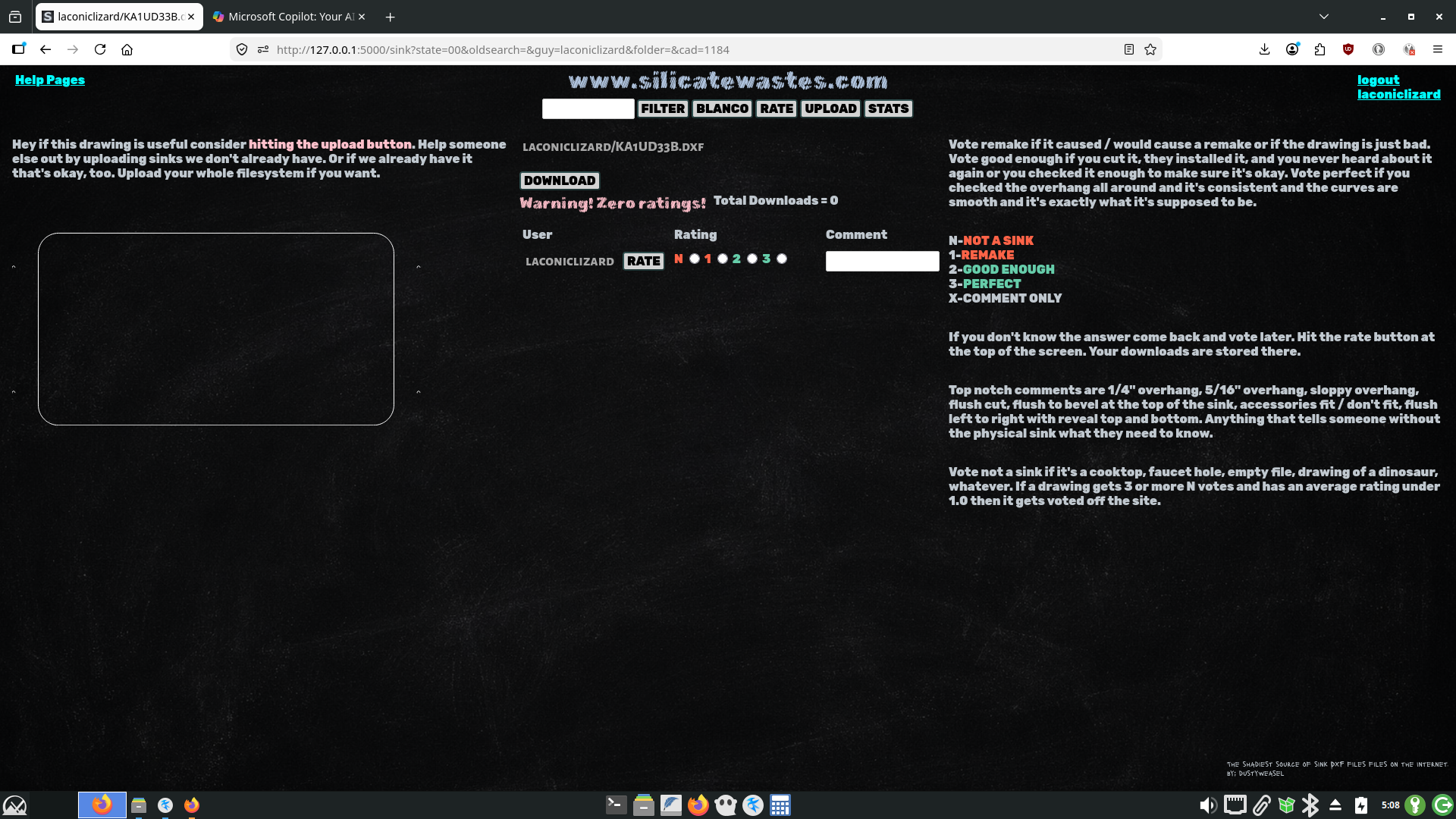
Your DXFs are not simply copied to www.silicatewastes.com. They're ran thru a processor. You might notice you have 79KB monster-sized sink files on your system at work, even if they're just a rectangle. Maybe AutoCAD stuffed it full of META_DATA. Who knows. When you upload DXFs to silicatewastes they are torn to shreds and re-assembled. All that is preserved is LINES, ARCS, and CIRCLES. All else is cast into the fire.
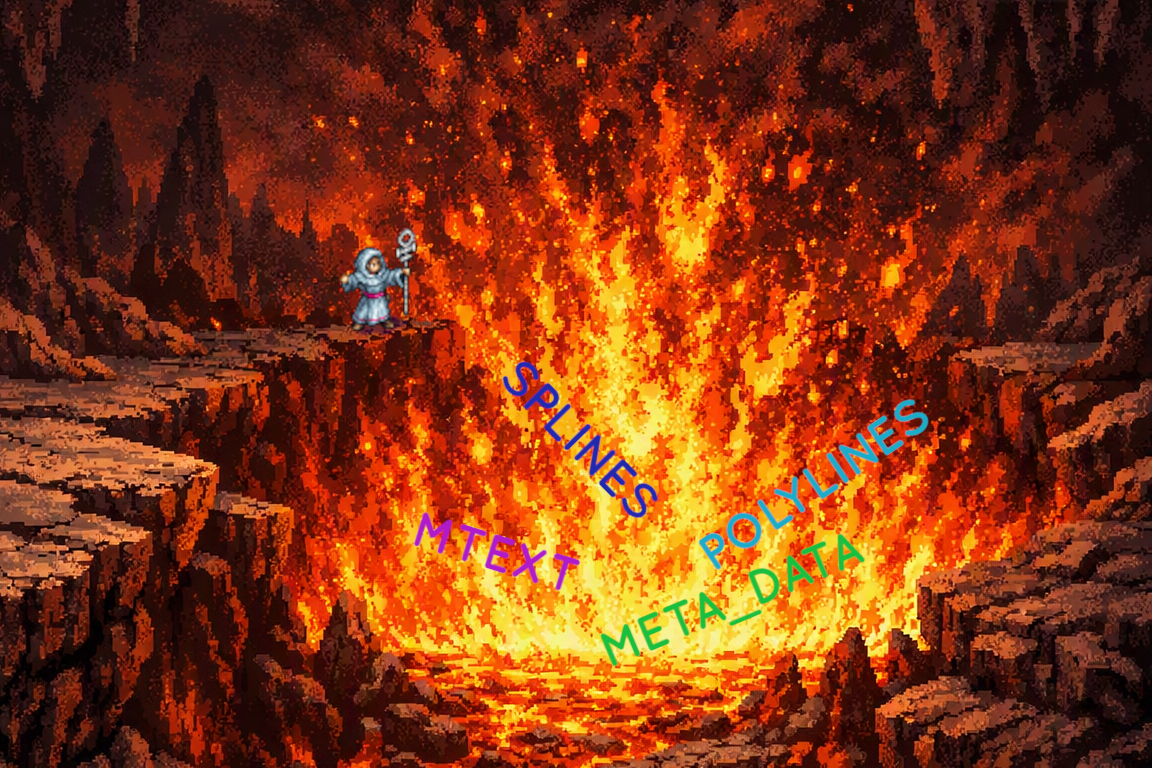
Even entites of type ELLIPSE are purged. They're rare but I've seen them. The normal ellipses we draw which are composed of ARCS survive but if you upload anything with an ELLIPSE entity the ELLIPSE will be purged. Every DXF on this website and every DXF you upload will be a valid DXF by Autodesk R12 standards and contain only ARCS, LINES, AND CIRCLES. Also it will be under 5kb. If after a file is purified it's still 5kb or more then it will be cast into the fire. If you try uploading one of those ellipses that's composed of 800 tiny arcs it will not survive.
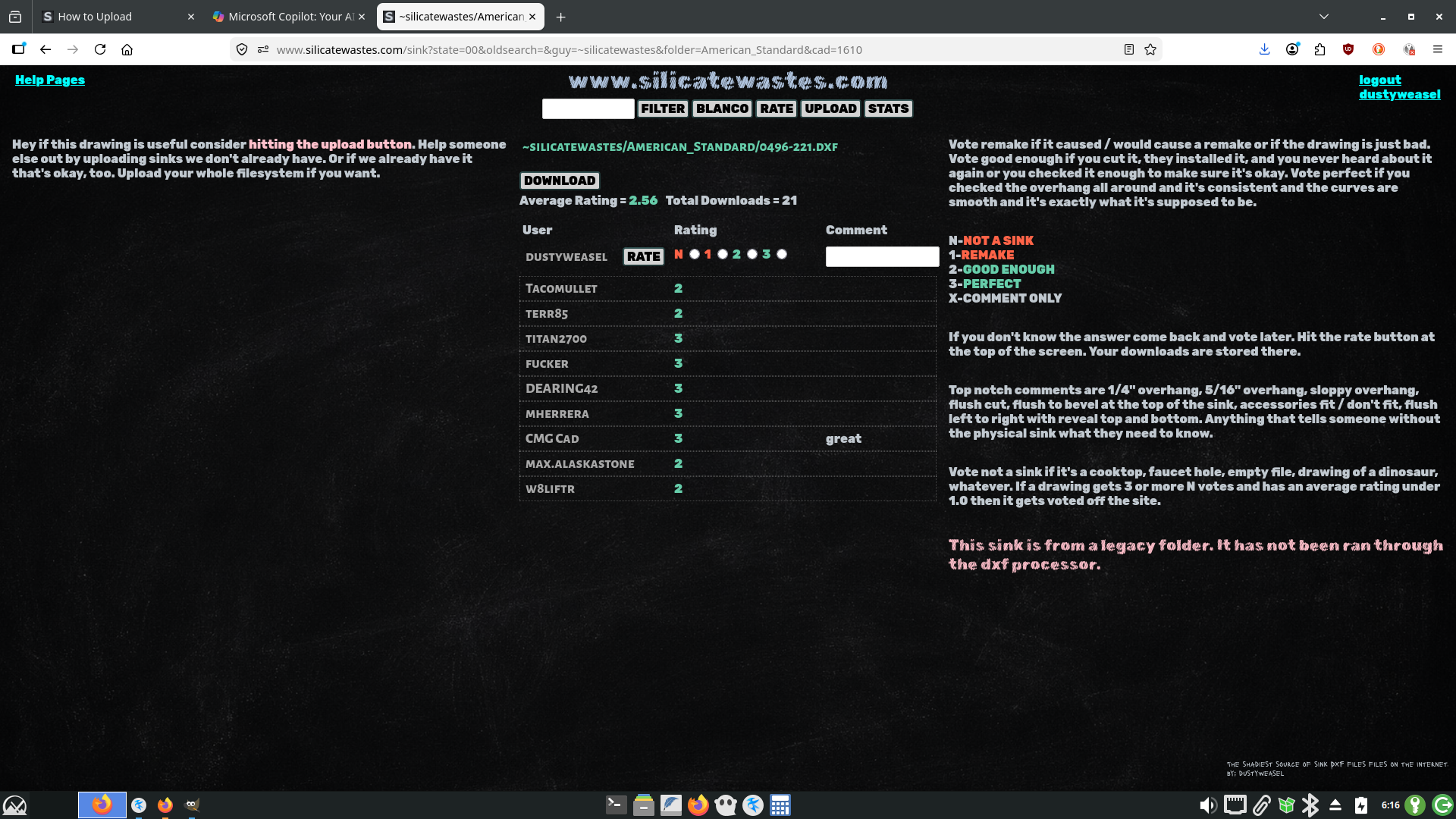
Two exceptions are ~legacy folders and entity type TEXT. The ~legacy folders all start with a ~tilde. They were emailed to me long ago before I wrote the DXF processor. Legacy folders contain ards, dwgs, asds, tags, asds, and DXFs. None of the DXFs in the ~legacy folders have been thru the DXF processor. You can see below apparently everybody likes that sink but you can't see it displayed in the left column because it has garbage in it that I didn't make the DXF display capable of reading.
The only other thing that can survive purification is an entity type TEXT that contains one of five keywords: "overhang", "reveal", "flush,", "oh", and "o.h.". A TEXT is one line. If you hit enter and your CAD stores your text as several single lines it's probably still type TEXT. If it's stored as one block then it's MTEXT and it will be purged.
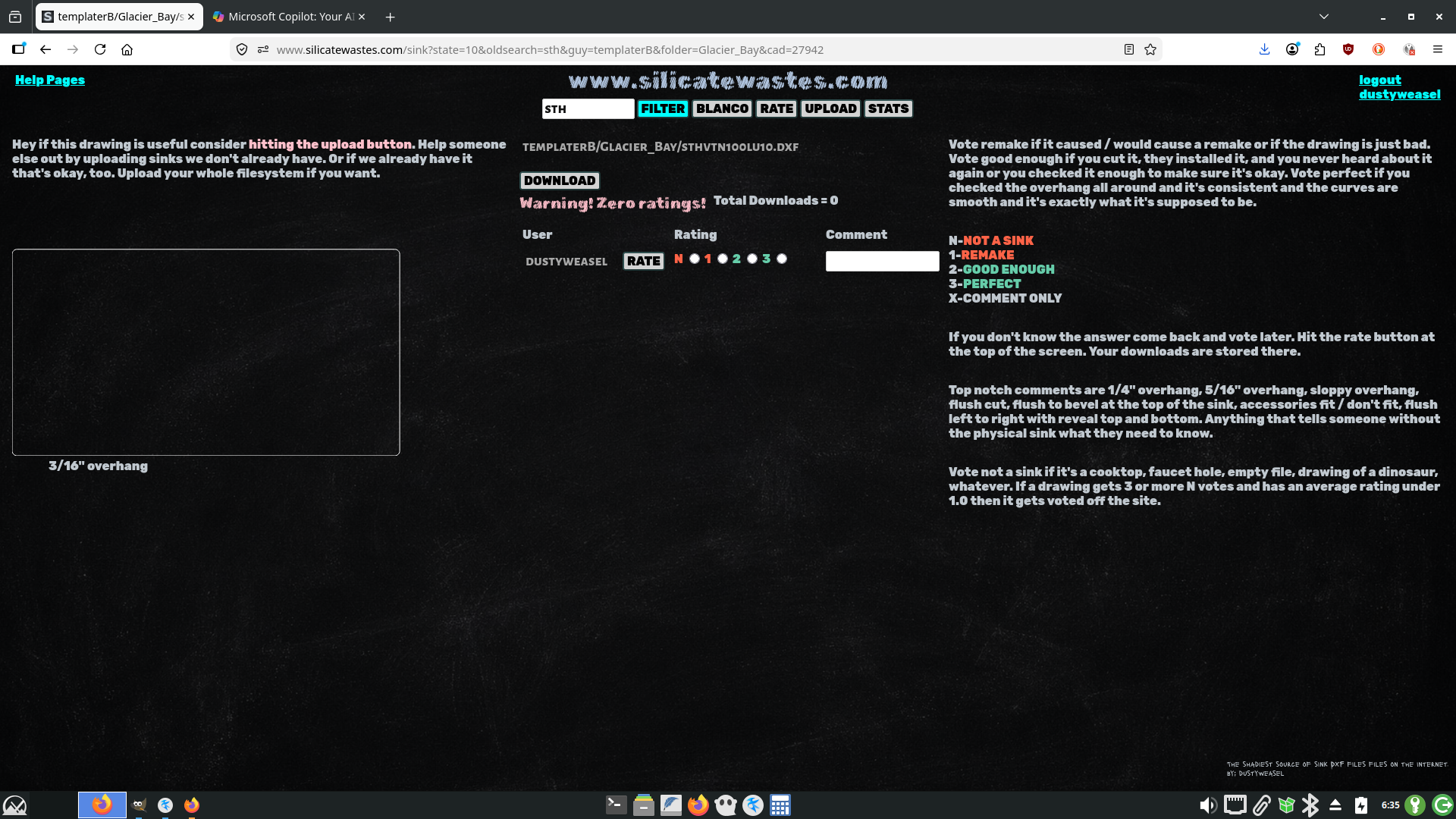
Look at the Glacier Bay sthvtn100lu10.dxf.
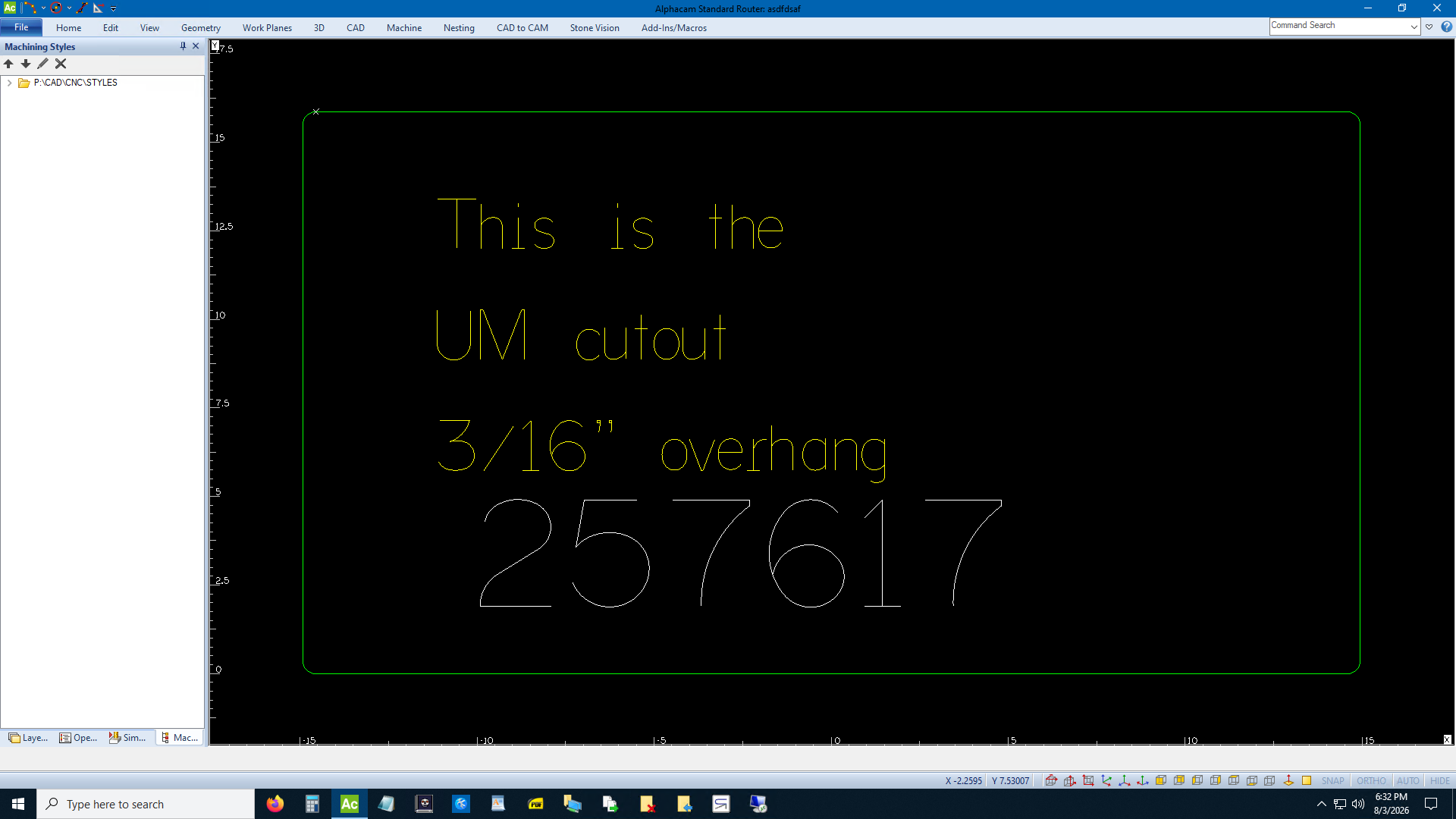
Here it is on the website. The text containing the keyword "overhang" was spotted and spared from oblivion. The DXF display on the website just displays the text under the CAD display but it will be in the original location if you download it.
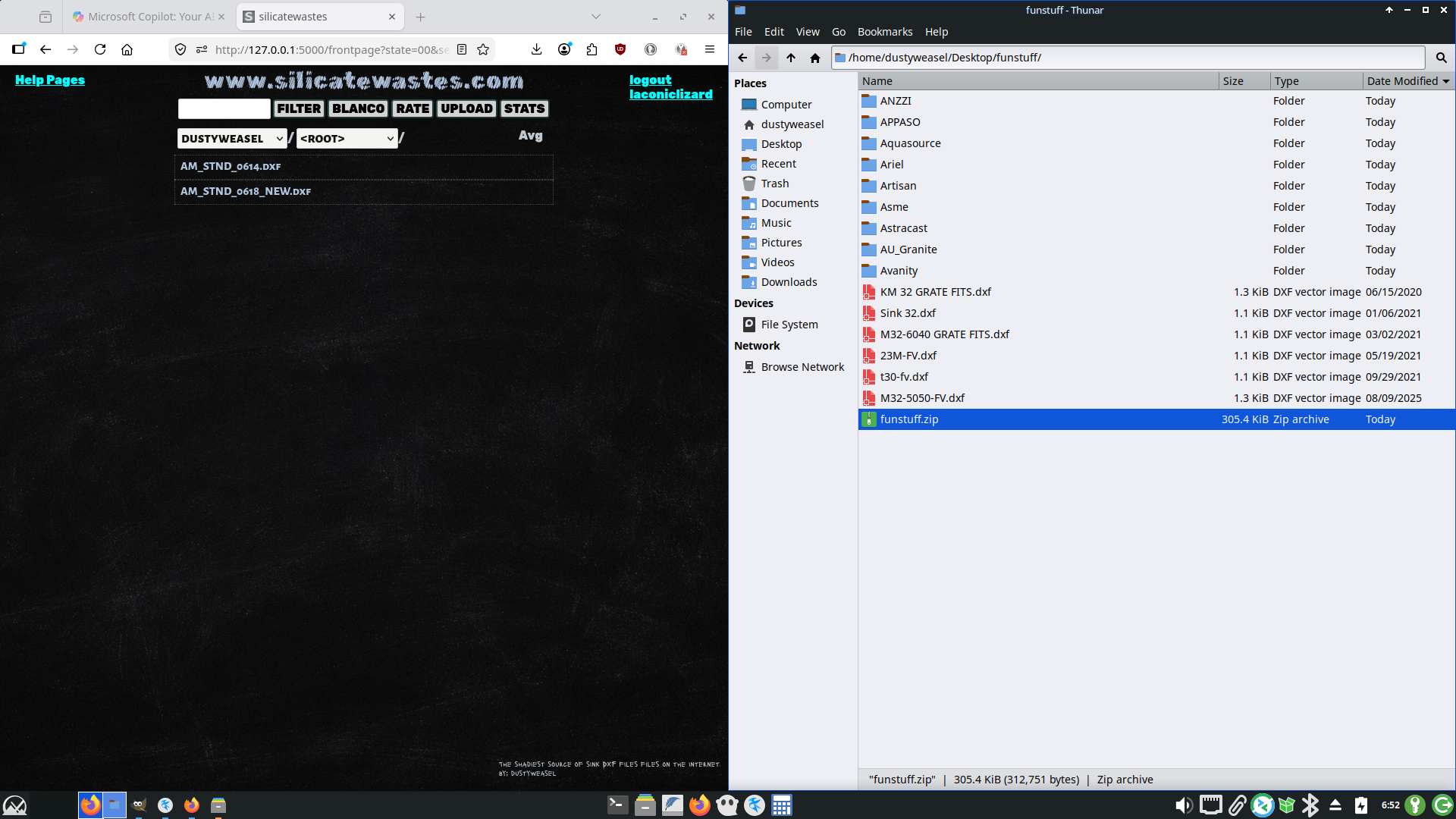
Almost done. Let's upload a .zip file. You can upload your entire sink folder at once. Just open file explorer and highlight everything you want to compress, right click or whatever and turn it into a .zip file. You can see below I selected everything within the funstuff folder and compressed it to a file called funstuff.zip. It contains the ANZZI thru Avanity folders and also six DXF files at base level. You don't have to worry about .bak or .jpg files or whatever laying around in your filesystem. If they get sucked into your .zip file don't worry about it. The website ignores them. All that matters is that the .zip file is under 200MB. It doesn't matter if you have more
subfolders within the folders. silicatewastes will compress everything down to the first level subfolder. You can really just zip up your sink filestructure as-is and drop it in.
https://www.wikihow.com/Make-a-Zip-File
Drag the .zip folder to the abyss and drop it in. If it's a large .zip file it will take a while. I had a .zip file that wasn't even a MB take almost ten minutes. Go eat a sandwich and come back. Hit refresh. The left column won't be updated at all until it's done. When it's done you'll see which files were accepted, which were rejected and why, and there will be a timestamp at the end. That readout will stay on your upload page until next time you upload something.
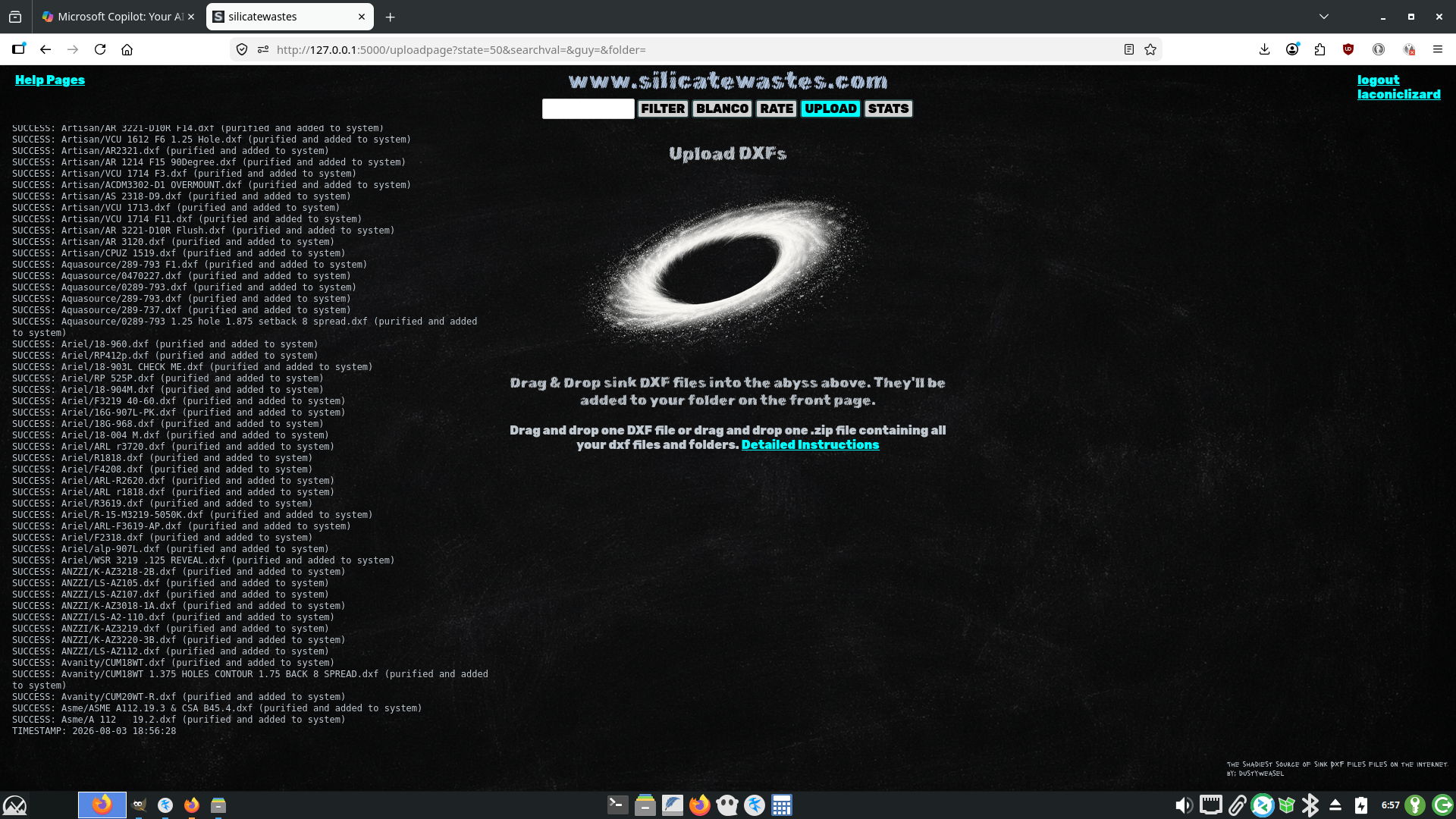
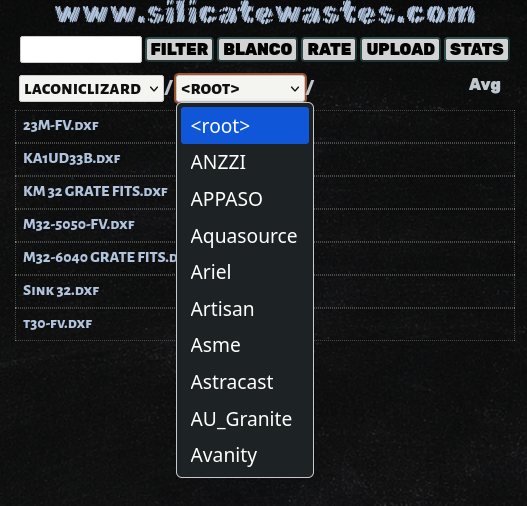
There it is. You can see the six files at the base level were added to the ROOT folder and ANZZI thru Avanity were added to his subfolders.
That's pretty much it. Have fun. www.silicatewastes.com
If you can't read an image right click and Open Image in New Tab.