How to use:
The FILTER Button
The BLANCO Button
The UPLOAD Button
General Site Info
Weaselware:
Instructions
Advanced
Life advice:
Passwords
How to do:
The Platner Edge
A Drainboard
coming soon:
One weird trick to keep pieces from moving while milling sinks.
Suction cup companies hate it!
Also, TOP 10 ways to make banana bread from dried up old banana peels.
#8 will BLOW YOUR MIND
Oh no, another weird website that wants me to create a password and give them an email address.
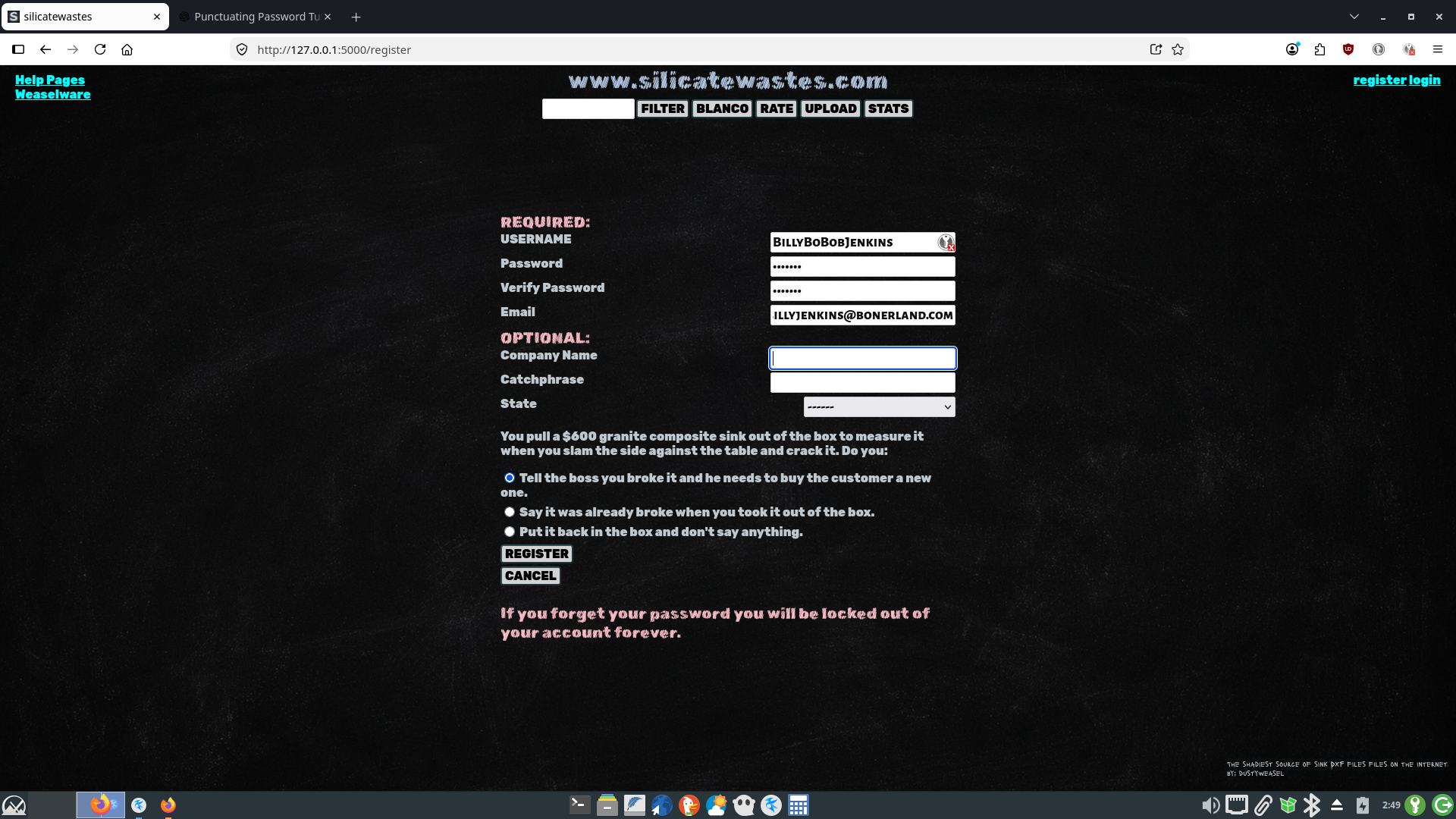
I know what you're thinking: "I'll just use the same password I use for online banking, my
email account, and Amazon: 'abcdefg'."
No. I don't want your God damn Amazon password. Look, I don't store passwords, they're hashed but it's not invincible. If you use a simple enough password and someone hacks this website they could figure it out. Then if you used the same
password for online banking they have that too.
You never know how a random website stores passwords. I could just have them sitting in a database in plain text for all you know. I use SHA-256. If I got hacked and your password
is simple someone could figure out what your password is from the hash. I'm going to
upgrade to Argon2id someday but I'm not going to bother now because there's not really anything
here worth hacking. I've got DXFs which are already free, passwords, and email addresses.
Someday I might create an online database for sharing template files and I'll want to make things
more secure.
I'm not a security expert. By all means do some research on your own. But if you want my
advice figure out which accounts you don't care if they get hacked; Spotify, silicatewates, etc.
Use the same mediocre password for all of them. Like "granitemaster48" or "quartz*destroyer".
Those passwords suck but now if I get hacked and they reverse engineer your password from the SHA-256 hash then they now have access to your spotify playlists and they can upload DXFs under
your username. Big deal.
Get a password manager. If you want google to know all your passwords I guess you can use
google password manager. Or you can download keypassxc. Make the password to your password manager very strong. It's the
only one you'll have to remember. Find software to generate five random words and string them together. Or go here: pwgen.de. Put it on readable, crank the characters up to 20 and generate something you can memorize and sound out in
your head. Or put it at 16 and sprinkle in 4 random symbols like %,^,*, or $. Whatever.
Now store all your for real passwords in keypassxc. So make a different password entry for your main email,
Amazon, your bank account, whatever. Use keypassxc itself. Crank it up to 20. Generate stuff like this: 0C$i0W5X-*PWahaWNq_Q. No one's guessing that. And you don't have to remember it. You just have to remember the password for your keepassxc database. Now your email, Amazon, and bank account all have different, insane passwords that no one will guess.
You should probably back up your keepassxc database somewhere. Or instead of giving your main email
an insane keepassxc password you could use pwgen.de again and make a strong password for email that you can remember. Now you have
to remember two passwords; email and keypassxc. But now if you lose your kepassxc database you
can use your email account to reset all of your other passwords. Except silicatewastes. If you
forget your silicatewastes password you will be locked out of your account forever.
I'm going to upgrade from SHA-256 to something better someday but if you use one of those 20 character monster passwords from keypassxc then SHA-256 is already good enough. If you used
one of those here and I got hacked there wouldn't be enough time in the universe for the hacker
to reverse engineer a password like that from a SHA-256 hash.
www.silicatewastes.com
If you can't read an image right click and Open Image in New Tab.